Export audio
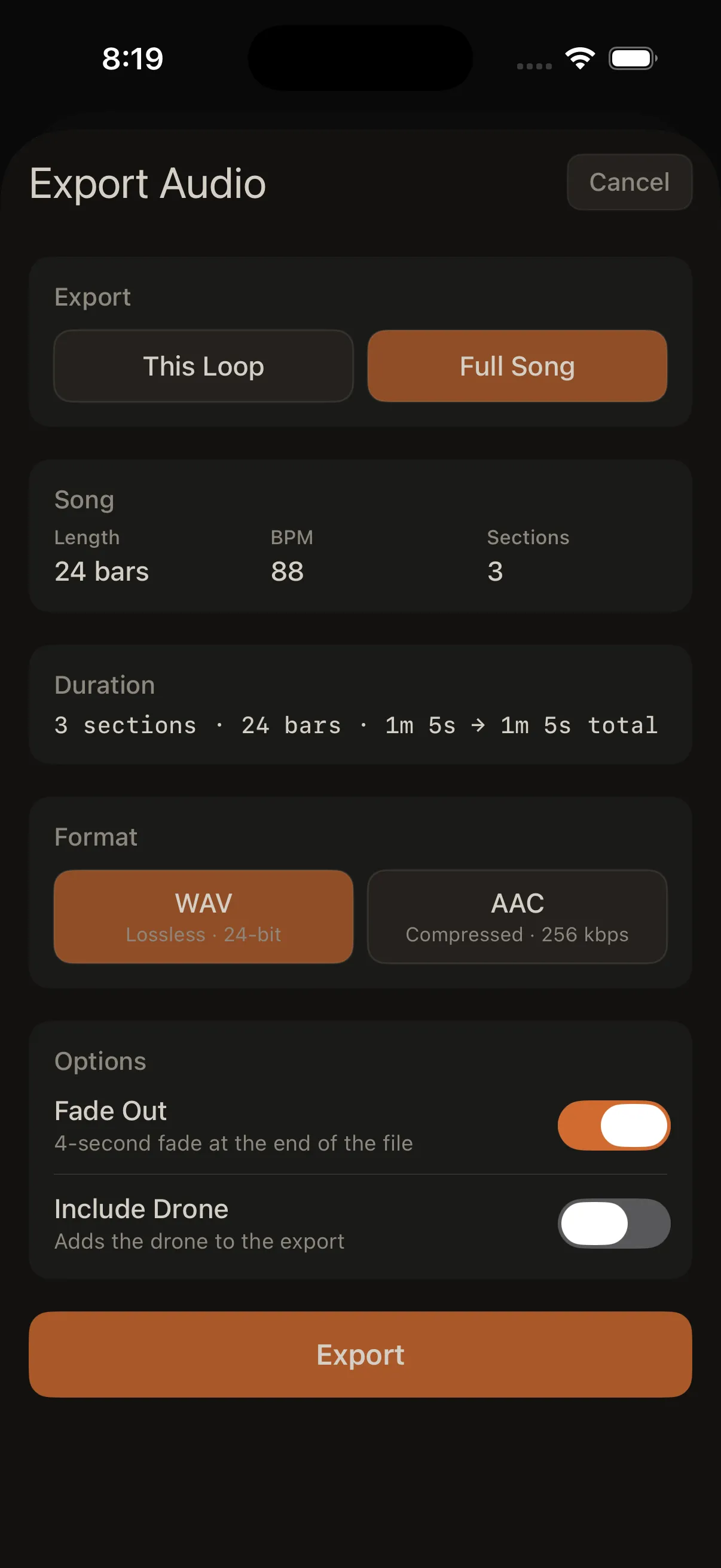
Export creates an audio file of your mix — what you hear with your current levels, mute, solo, and effects.
Open export from:
- Mixer → Export
- Song list → Arrange → Export (for a full song)
What to export
| Option | What you get |
|---|---|
| This Loop | The loop you're working on now; choose a length from 30 seconds to 10 minutes (or custom) |
| Full Song | Your entire arrangement from start to finish |
Full song export requires at least one section in your arrangement.
File format
| Format | Best for |
|---|---|
| WAV | Highest quality, larger files |
| AAC | Smaller files, easy to share |
Options
| Option | What it does |
|---|---|
| Fade out | Smooth fade at the end of the whole file (about 4 seconds) |
Whatever is muted or soloed in the Mixer affects the export too.
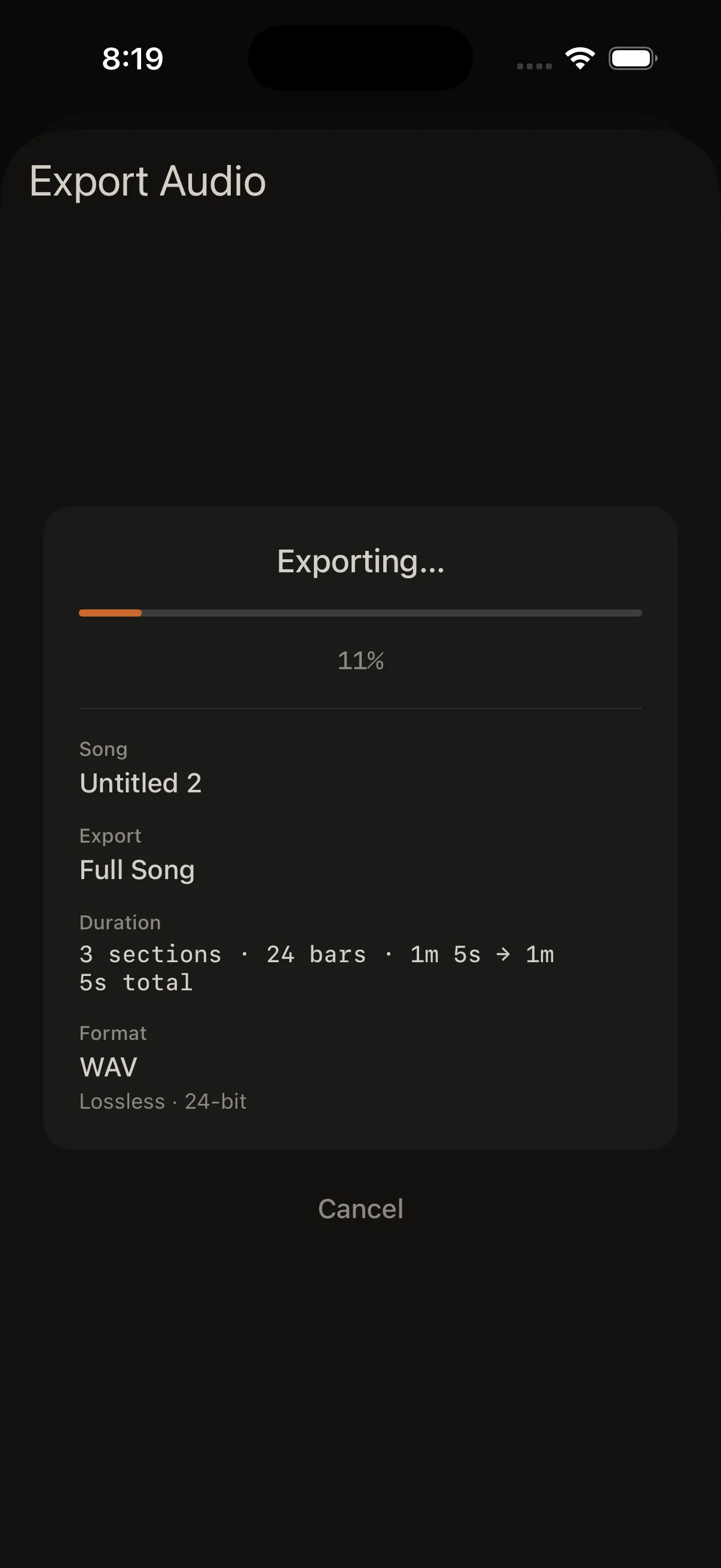
While exporting
- The app plays through your music while it records
- You can't play the pads during export
- The progress screen shows Song, Export scope (This Loop or Full Song), Duration, Format, and a percentage
- When finished, tap Done in the header (not Cancel)
File names
Exported files are named from your song (and loop, when relevant):
| Export type | Example filename |
|---|---|
| This Loop | My Song - Loop 2.wav |
| Full Song | My Song.m4a |
Invalid characters in names are replaced so files save safely.
Saving the file
The bounce is written to a temporary app folder first — it does not automatically appear in the Files app or Photos.
To keep it:
- Wait for export to finish
- Tap Share File
- Choose Save to Files, AirDrop, or another destination
If you dismiss the sheet without sharing, the file may be removed later when iOS clears temporary storage.
Loop export length
Pick a preset from 30 seconds to 10 minutes, or enter a custom length. The active loop repeats for the duration you choose.
Full song export
You need:
- At least one section in your arrangement
- Loops assigned to those sections
If Full Song isn't available, build your arrangement in Arrange first.
Tips
- Solo one track at a time and export repeatedly if you want separate parts
- Turn off the metronome before export if you don't want clicks in the file
- Stop arrangement playback before starting an export